QR codes for posters and flyers
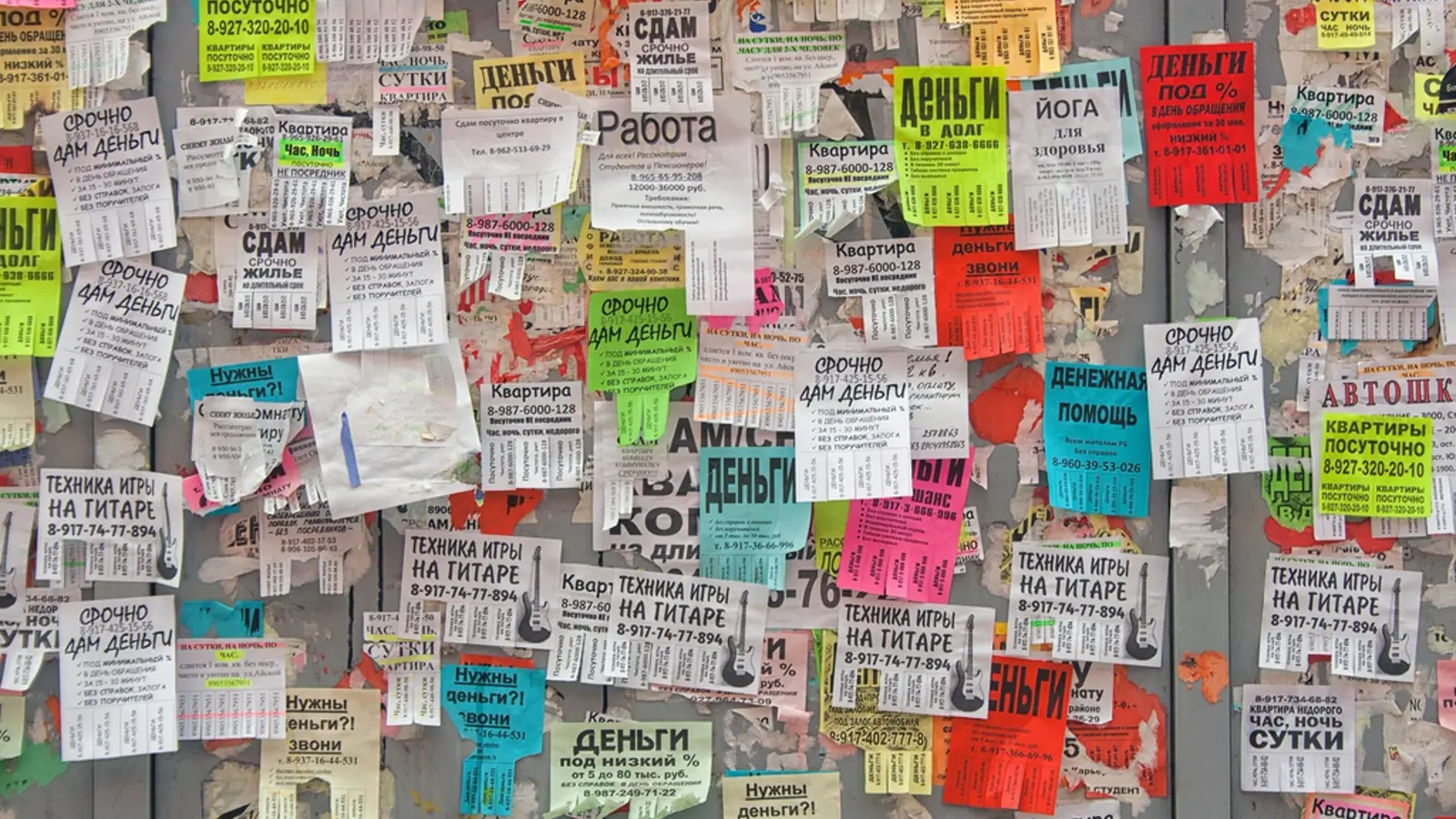
How big should a QR code be on a poster or flyer?
A QR code needs to be at least a tenth of the distance it is read from. A flyer held in the hand at 12 inches needs a 1.2 in / 3 cm code; an A4 poster on a wall read from 3 feet needs 3.6 in / 9 cm; a window poster read from 6 feet needs 7.2 in / 18 cm. Paper size does not enter the calculation, distance does.
That is the single most common mistake in this whole category. A designer sizes the code to the layout, the layout is A4, and the same 2 cm code goes on the flyer handed out at the door and on the poster stuck to the noticeboard. It works in one place and quietly fails in the other.The calculator does the arithmetic if you know the distance.
Where it goes on the page
- Lower right. Reading finishes there, and a raised phone lands there. It is also away from the fold on a folded flyer and away from the staple on a noticeboard.
- Not dead centre of a big poster. Someone close enough to scan a centred code on an A1 sheet is too close to read the poster. Put the code where a person can stand at arm’s length and still see the message.
- Not in a corner that gets trimmed. Bleed and trim eat 3-5 mm. A code sitting in that band loses its quiet zone at the guillotine, which kills it outright rather than degrading it.
- Reachable. A code above eye level on a wall poster gets photographed at an angle, and steep angles cost margin exactly when the code is already small.
The line of text beside it does most of the work
Write what happens after the scan, in three or four words, directly under the code. “Scan for the menu.” “Scan to book.” “Scan for the reading list.” A code with no label asks a stranger to spend a scan finding out whether they wanted it, and standing in a corridor, most people simply will not spend it.
Add the domain in small type underneath if the poster is in public: it is the only way a reader can tell your code from asticker someone pasted over it, and it gives people without a working camera somewhere to go.
What turns a print run into waste paper
- Sizing to the layout instead of the distance. Covered above, and still the number one cause.
- Cropping the quiet zone. Every code needs a blank margin four modules wide. It looks like padding in a tight layout and it is the first thing to get trimmed.
- Printing on gloss. Laminated and gloss-varnished posters throw overhead light straight back into the lens. Matte finish, or a larger code to buy back the margin.
- A code over a photograph. Busy backgrounds and low contrast kill decoding. Put it on a flat white or flat brand-colour panel with acontrast ratio of at least 3:1.
- Encoding the long URL. A 90-character campaign URL with UTM parameters makes a dense pattern with tiny modules. A short link keeps the pattern coarse, which is a genuine print-quality argument rather than a sales one.
- Pointing at a page that will not exist in six months. The poster outlives the campaign page nearly every time. A dynamic code lets you re-point it instead of reprinting.
Conference and research posters
An academic poster has the opposite constraint to a marketing one: the reader is standing right in front of it, so the code can be small, but what it needs to carry is large, the full reference list, the dataset, the preprint, a contact card. All four can sit behind one code.
- Size for arm’s length: 1.2 in / 3 cm is plenty. Do not give up poster space to a code sized for a hall.
- Put it beside the references or the conclusion, where someone who has read to the end will look.
- Point it at a page you control, not at the conference platform, those URLs are dead within a year, and your poster is in a PDF somewhere forever.
- If you are printing several posters, give each one its own code. Knowing which paper drew interest is worth more than one combined number.
Before it goes to print
- Export the final artwork, after styling. Test that file, not the mockup.
- Print one proof at final size on the actual stock. Screens lie about ink.
- Scan the proof from the real distance, in the worst light the poster will live in.
- Use the oldest Android handset in the building. It is the device that decides whether the run works.
- Check the destination on mobile data, not office wi-fi, and check it loads in under three seconds.
Questions
The things people ask before they commit something to paper.
How big should a QR code be on an A4 flyer?
At least 1.2 in / 3 cm if the flyer is held in the hand, and 3.6 in / 9 cm if it is pinned to a wall and read from about a metre away. The number follows the distance, not the paper size, the same A4 sheet needs three times the code when it goes on a noticeboard instead of into a hand.
Where should a QR code go on a poster?
Lower right, at a height people can reach, with clear space around it. Lower right is where a reader’s eye finishes and where a raised phone naturally lands. The one placement to avoid is dead centre of a large poster, because someone standing close enough to scan it can no longer read the poster.
What should the text next to a QR code say?
What happens after they scan, in three or four words. “Scan for the menu”, “Scan to book a table”, “Scan for the reading list”. An unlabelled code asks a stranger to spend a scan finding out whether they wanted it, and most people will not spend it.
Can I put a QR code on a research or conference poster?
Yes, and it is the best use of one, a poster cannot hold a full reference list, a dataset or a preprint, and a code can carry all three. Place it near the references or the conclusion, size it for arm’s length rather than across a hall, and point it at a page you control so it still resolves after the conference site is taken down.
Should each poster design have its own QR code?
Give each placement its own code, not each design. One code across a flyer drop, a noticeboard and a shop window tells you the campaign worked but not which surface did the work, and that is the only question the numbers are there to answer.