QR code not scanning
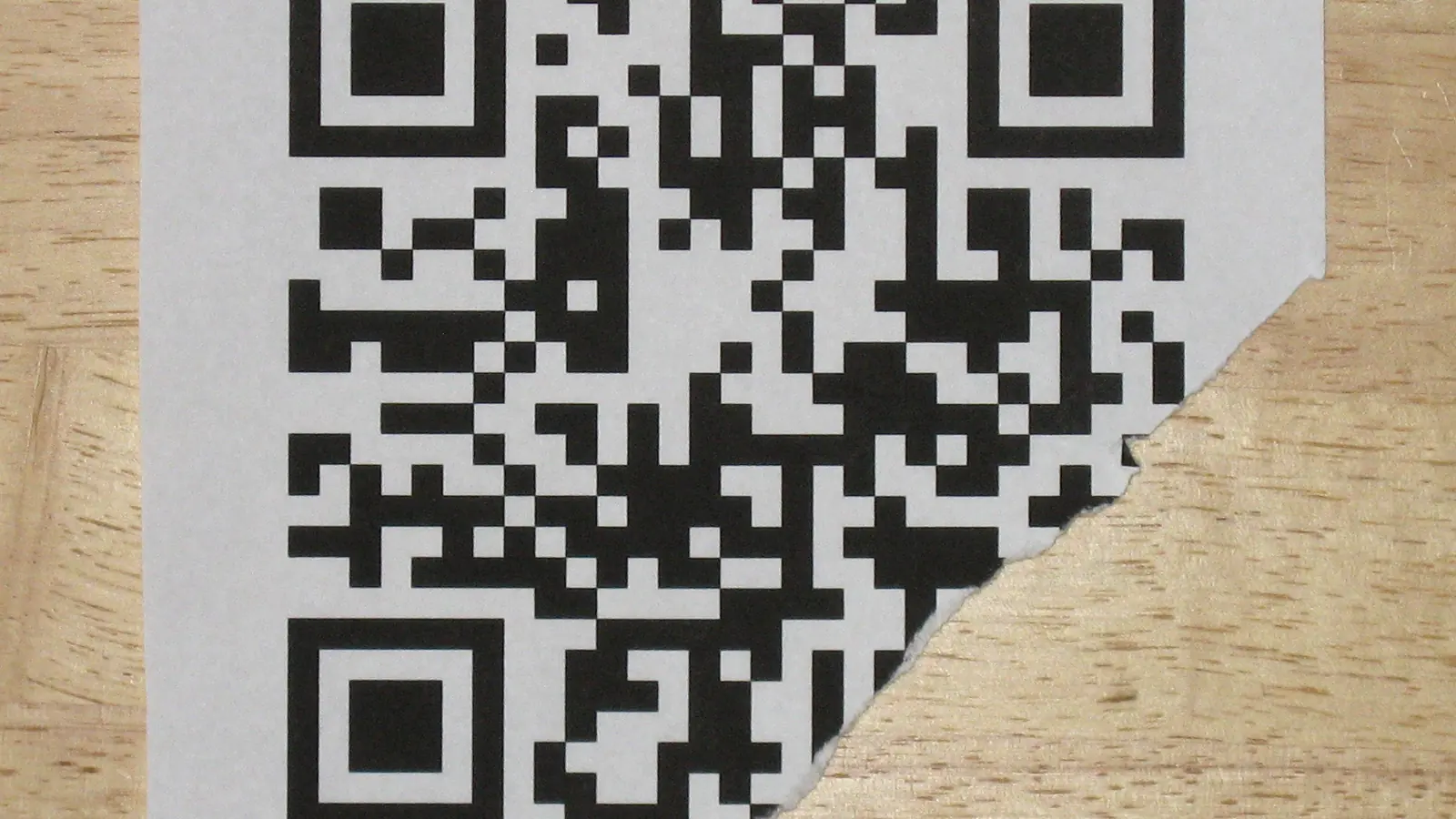
Why is my QR code not scanning?
A QR code usually fails to scan for one of six reasons: it is printed too small for the scanning distance, the quiet zone has been cropped, contrast between the modules and the background is too low, a logo covers too much of the pattern, the surface is glossy or curved, or the destination itself is dead.
They are listed here in the order they actually turn out to be the cause.
1. The code is too small for the distance
The 10:1 rule: minimum width is the scanning distance divided by ten. A code on an A4 poster read from three feet needs to be 3.6 inches wide. Most failures are a designer fitting the code into the space left over rather than the space it needs. Check the size against distance.
2. The quiet zone was cropped
Every QR code needs a blank margin four modules wide on all sides. Scanners use it to find where the pattern starts. It looks like wasted space in a layout, so it gets trimmed, and then the code becomes undetectable rather than merely hard to read. Klip renders the quiet zone into the file itself; if you crop the exported image, you remove it.
3. Contrast is too low
Brand colours are the usual culprit: a mid-grey code on a pale-grey card passes on a bright monitor and fails on a table in a dim restaurant. Keep a luminance ratio of at least 3:1, dark modules on a light background. Inverted codes (light on dark) are decoded by modern phone cameras and rejected by plenty of older scanner apps.
4. The logo covers too much
Error correction level H can reconstruct up to 30% of missing data, which sounds like a large budget until a logo sits over a finder pattern. Keep the logo to roughly 22% of the width, centred, on a white pad, at level H, and then test it, because the interaction between logo, size and print surface is not something you can reason about from the file.
5. The print surface fights the camera
Gloss lamination reflects overhead light straight back into the lens. Bottles and cups curve the pattern away from the sensor. Fabric distorts modules entirely. Matte finish, flat placement and a larger code all buy back margin here; a curved surface generally needs 30-50% more width than the flat rule would give.
6. The destination is dead
The camera decodes fine and the browser shows an error, a different failure that looks identical to a customer. A static code cannot be fixed. This is the argument for dynamic codes: the printed pattern points at a short link you control, so a dead destination is an edit rather than a reprint.
How to test before printing
- Export the final file, after styling. Test that file, not a mockup.
- Scan with an iPhone camera, an Android camera, and one third-party scanner app.
- Test at the real distance, in the worst light the code will live in.
- Test a printed proof, not a screen. Ink behaves differently from pixels.
Questions
The things people ask before they commit something to paper.
Why does my QR code work on my phone but not on my customer’s?
Usually margin. Your phone is newer, closer, or in better light, so it decodes a code that is borderline. Scanners differ enormously in tolerance. Test on an old Android handset in poor light before printing. That is the device that decides whether a campaign works.
Can a QR code stop working after it is printed?
The pattern cannot change, but the destination can. A static code fails permanently if that URL dies. A dynamic code keeps working because the short link inside it can be re-pointed, provided the shortener behind it still exists, which is worth checking before you print.
Does printing a QR code in colour break it?
Only when contrast drops too far. Scanners need clear separation between dark and light modules; a 3:1 luminance ratio is roughly the practical floor. Inverted codes (light modules on a dark ground) fail on many older scanners regardless of contrast, so avoid them for print.
How much of a QR code can be covered by a logo?
About 20 to 25% of the width at error-correction level H, which recovers up to 30% of the data. Beyond that, scan reliability falls off quickly in real conditions. Centre the logo, keep a white pad around it, and never let it touch the three corner finder patterns.