QR code menus for restaurants
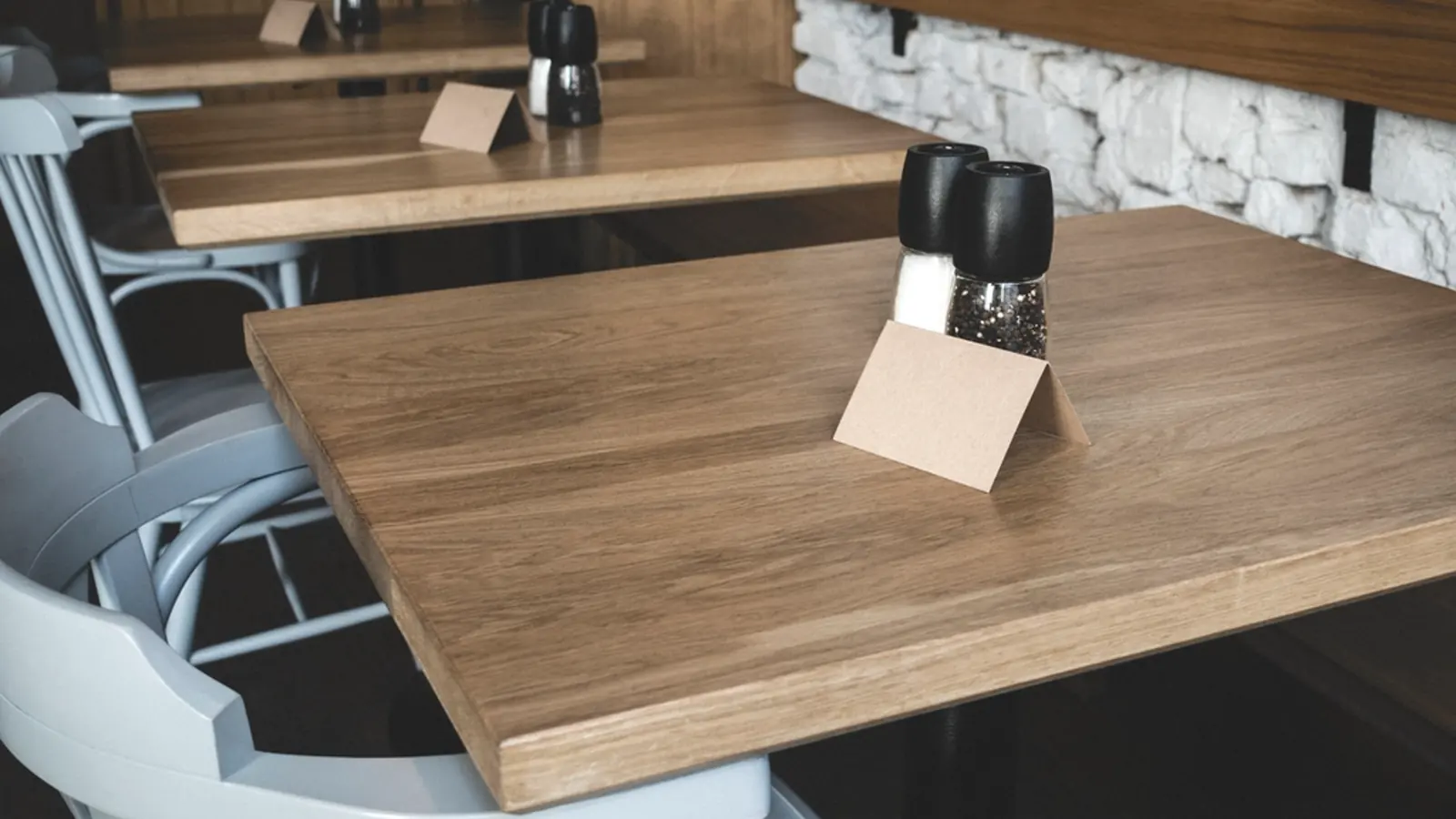
Print the code once, on table tents that last a year. Change the menu behind it as often as the kitchen does, new prices on Monday, a different page for lunch and dinner, a booking link when you are full.
Opens a page. The only kind that can be made re-pointable later.
Advanced
These change how the code prints and how much damage it survives. The defaults are the ones that scan.
H, recovers 30%. Set by the centre mark.
The PDF carries the border but not the mark. Take the SVG if you need it.
A code with a mark in it needs about 20% more printed width than one without. The size calculator accounts for it.
Every code from the free tool carries the Klip mark. A code without it, or with your own logo in the middle, comes with a plan.
Free, no account. Sign up only if you want to change it later.
Do QR code menus work for restaurants?
QR code menus work for restaurants when the code points at a short link rather than the menu file itself. Print it at about 3cm for a table tent, point it at a web page rather than a PDF, and you can change prices, swap in a set menu, or send people to bookings without reprinting.
The three things restaurants get wrong
The PDF link is baked into the pattern. Move the file, rename it, switch host, every table tent is now a dead end, and you find out from a customer.
A table tent is read at arm’s length, about 30cm. That needs roughly 3cm of code. Most printed tents come back at 1.5cm because it looked fine on screen.
A PDF opens as a document a phone must download and pinch to read. A plain web page beats it every time, and you can edit it from your phone.
One tent, four seasons
A Nairobi coffee chain printed 40 table tents in March. The code has not changed since. The destination has, four times.
Read how they run itHow to make a QR code for a restaurant menu, free
Making a QR code for a restaurant menu is free. Put the menu on a web page, paste that address into the generator above, and print the code, no account, no card, no expiry. What you pay for, if you ever do, is being able to change where the code points after the tents are on the tables.
That distinction is the whole of the pricing question in this category, and it is worth being precise about because the category is full of “free” codes that stop working. Nobody charges for generating a pattern. It is arithmetic. Some providers charge to keep the link inside it alive, which means the free code you printed dies when a trial lapses. Ours do not: a free-tier Klip link never expires, never carries an interstitial and never breaks, and that is written into the terms rather than being this month's offer.
What a menu QR code actually costs
| What you want | Cost |
|---|---|
| Generate a code and print it | Free, no account |
| Change the destination after printing | Free plan, 50 links a month |
| See how many scans, on what device, from where | Free plan, 7 days of history |
| A year of history, your own branding on the link | Starter, KES 1,400/month |
Full detail on the pricing page. The numbers there and the numbers here come from the same file the API enforces, so they cannot drift apart.
Do not point the code at a PDF
A PDF menu is the most common mistake in restaurant QR codes. On a phone it opens in a viewer, loads slowly on mobile data, and arrives zoomed out to unreadable, the customer pinches and drags through a document designed for A4 paper. A web page reflows to the screen, loads in under a second, and can be edited from a phone.
If a PDF is genuinely all you have, point the code at a short link rather than at the file. The file will move, get replaced, or acquire a version number in its name, and when it does, a code pointing straight at it is dead paper, while a code pointing at a link you control is a thirty-second edit.
Questions restaurants ask
The things people ask before they commit something to paper.
How big should a table tent QR code be?
About 3cm across for a code read at arm’s length. The rule is one tenth of the reading distance. Print it as SVG rather than PNG so the print shop can scale it without softening the module edges.
Can I use one code for every table?
Yes, and most places should, one code, one destination, one number to read. Use separate codes per table only if you need to know which table scanned, for ordering or table service.
What happens to my table tents if I stop paying?
They keep working. You lose scan history and the ability to make new links, never the redirect itself. A code already on a table belongs to the restaurant as much as to us.
Is a QR code for a restaurant menu free?
Generating one is free everywhere, including here, with no account. The thing that costs money at some providers is keeping the link inside the code alive, which is how a "free" code dies when a trial ends. Klip free-tier links never expire, so the tent you printed keeps working.
Can I make a QR code for a PDF menu?
You can, and it is worth avoiding. PDFs open in a viewer, load slowly on mobile data and arrive zoomed out on a phone. Point the code at a web page instead, or at minimum at a short link that redirects to the PDF, so replacing the file later does not kill the printed code.
Do people actually scan menu codes?
Heavily, and mostly between four and seven in the evening, someone deciding where to eat tomorrow rather than someone at the table now. That pattern is worth knowing before you choose what the code points at.